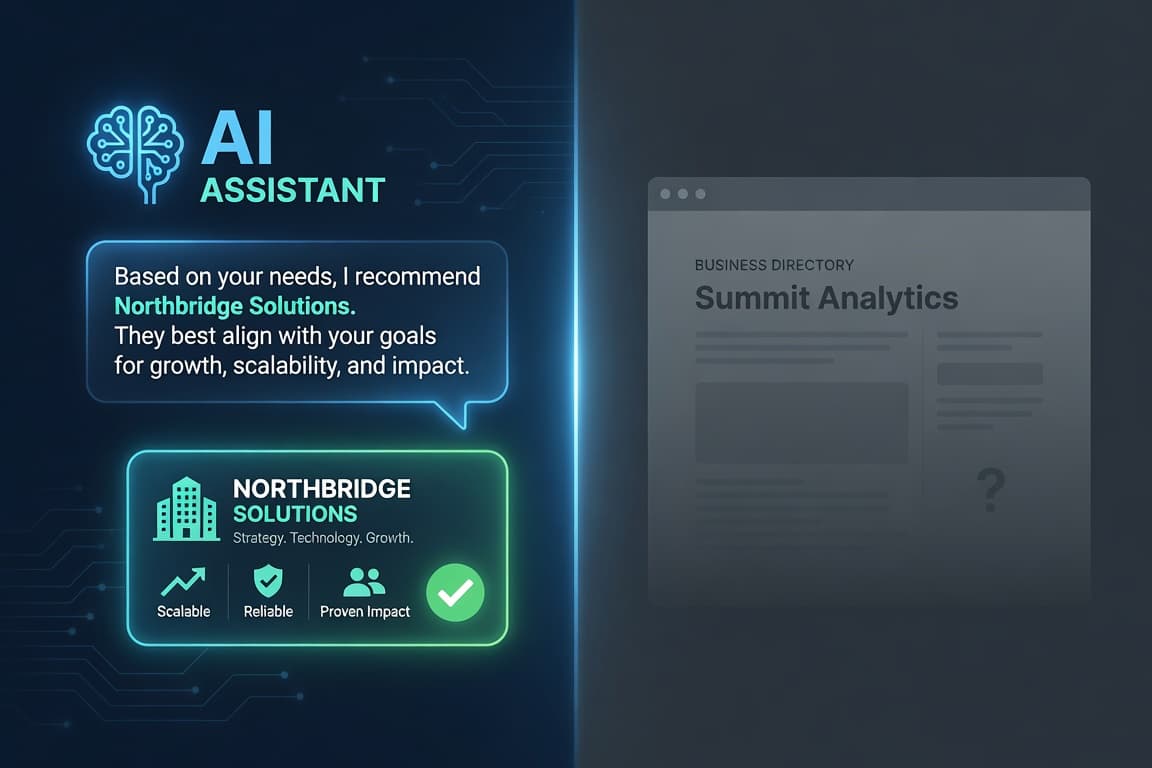
Generic AI chatbots are confidently wrong about your product. Ask one a question about your own docs and it either hallucinates or apologises. The fix is RAG — Retrieval-Augmented Generation — where the model answers from your content instead of its training data. Here is how I built a RAG chatbot on top of WordPress content, end to end.
This is the hands-on companion to my write-up on using WordPress as a RAG backend. That post covers the storage and indexing architecture — the knowledge base, chunking, embeddings, and the Qdrant vector store. Here I focus on the other half: the retrieval-to-answer loop that turns that index into a working chatbot.
What We’re Building
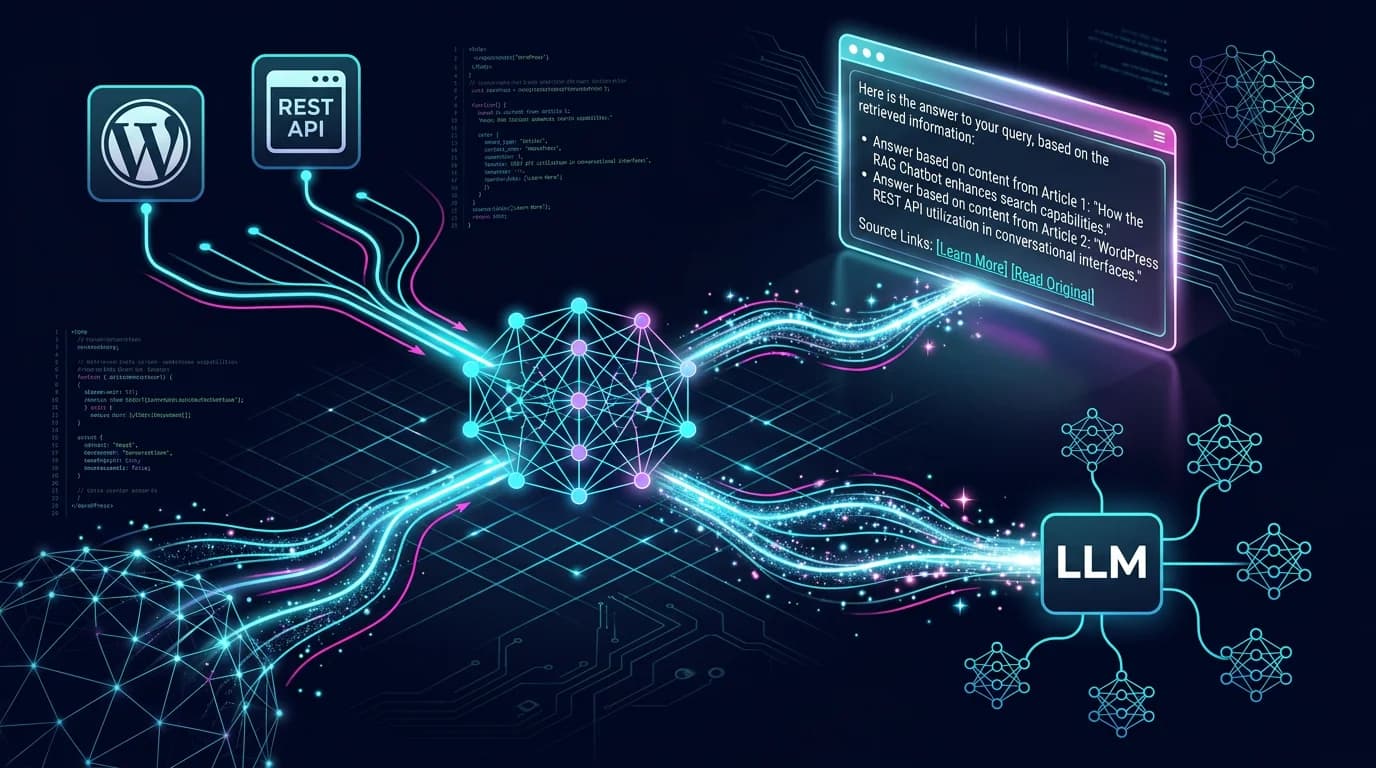
The chatbot has one job: take a user’s question, find the most relevant passages from your WordPress content, and let the LLM answer using only those passages — with a link back to the source post. Four moving parts:
- The knowledge base — your WordPress posts and pages, exposed via the REST API.
- The index — chunks of that content turned into embeddings and stored in a vector database (I use Qdrant).
- The retrieval loop — embed the question, search the index, pull the top matches.
- The answer step — feed those matches to the LLM as context and stream the reply.
Parts 1 and 2 are covered in the backend post. This guide builds parts 3 and 4.
Step 1: Pull Content From WordPress
Everything starts with the REST API. WordPress already serves your published content as JSON — no plugin required:
// Fetch published posts to index
const res = await fetch(
  'https://cms.example.com/wp-json/wp/v2/posts?per_page=100&_fields=id,link,title,content,modified'
)
const posts = await res.json()
The modified field matters — it’s how you keep the index fresh later. Strip the HTML from content.rendered down to clean text before you chunk it.
Step 2: Chunk and Embed
Split each post into overlapping passages of a few hundred tokens, embed each one, and store the vector with its metadata (post ID, title, URL, modified date). This is the indexing step described in detail in the backend write-up, so I won’t repeat it — the important output is a Qdrant collection where every vector knows which WordPress post it came from.
Step 3: The Retrieval Loop
This is the heart of the chatbot. When a question comes in, embed it with the same model you used for the content, then ask Qdrant for the nearest chunks:
async function retrieve(question, k = 5) {
  // 1. Embed the question with the same embedding model as the content
  const { data } = await embed(question)
  const vector = data[0].embedding

  // 2. Find the k closest chunks in Qdrant
  const hits = await qdrant.search('wp_knowledge', {
    vector,
    limit: k,
    with_payload: true,
  })

  // 3. Return the text plus where it came from
  return hits.map(h => ({
    text: h.payload.text,
    title: h.payload.title,
    url: h.payload.url,
    score: h.score,
  }))
}
Two things make or break retrieval quality: using the same embedding model on both sides, and keeping k small (3–5). Stuffing twenty chunks into context makes answers worse, not better.
Step 4: Build the Prompt and Answer
Now assemble the retrieved passages into a grounded prompt. The system instruction is where you stop hallucinations — tell the model to answer only from the context and to admit when it can’t:
function buildMessages(question, chunks) {
  const context = chunks
    .map((c, i) => `[${i + 1}] ${c.title}\n${c.text}\nSource: ${c.url}`)
    .join('\n\n')

  return [
    {
      role: 'system',
      content:
        'You answer using ONLY the context below. ' +
        'If the answer is not there, say you do not know. ' +
        'Cite sources as [1], [2] and list their URLs.',
    },
    { role: 'user', content: `Context:\n${context}\n\nQuestion: ${question}` },
  ]
}
Pass those messages to your LLM (I stream the response so the chat feels live), then render the cited URLs as links back to the original WordPress posts. That citation step is what makes the bot trustworthy — every claim is one click from its source.
Step 5: Wire Up the Chat Interface
The front end is the easy part. Expose the loop above as a single API endpoint (POST /api/chat) that takes a question and streams an answer. Then drop a chat widget anywhere — a React component on the site, a WordPress page, or an internal admin panel. The same endpoint can power a public docs assistant and a private support tool; only the source content differs.
Step 6: Keep It Honest and Fresh
Two rules keep a RAG chatbot useful in production:
- Always cite, always allow “I don’t know.” A bot that invents answers is worse than no bot. Grounding plus citations is the whole point.
- Re-index on edit. Hook WordPress save/publish events so changed posts get re-embedded automatically. Tie it to the
modifiedtimestamp and the index never drifts from what’s published.
The Stack and the Cost
WordPress (content) + an embedding model + Qdrant (vectors) + any LLM (answers) + a thin API to glue them. Qdrant is open source and self-hostable, WordPress you already run, and the only metered cost is embedding and completion tokens — pennies for a typical knowledge base. No per-seat SaaS chatbot fee.
Pitfalls I Hit
- Chunks too big. Whole posts as single vectors retrieve poorly. Smaller overlapping passages win.
- Mismatched embedding models. Index with one model, query with another, and similarity scores become meaningless.
- No freshness hook. A static index quietly goes stale and the bot starts citing deleted content.
- Over-retrieval. More context isn’t better — it dilutes the signal and raises cost.
Conclusion
A RAG chatbot on WordPress is mostly plumbing you already have: the REST API for content, a vector store for retrieval, and an LLM for the final answer. Get the chunking and citations right and you have an assistant that answers from your real knowledge base — not from a model’s imagination. Start with the backend architecture, then build the loop above on top.
Frequently Asked Questions
How do you build a RAG chatbot on WordPress content?
Expose your posts through the WordPress REST API, split them into overlapping chunks, embed those chunks into a vector database like Qdrant, then at chat time embed the user’s question, retrieve the closest chunks, and pass them to an LLM as context. The model answers from your content and cites the source posts.
Do you need a plugin to make a WordPress RAG chatbot?
No. The core WordPress REST API already serves your content as JSON, which is all the retrieval pipeline needs. You can add a small plugin or mu-plugin to trigger re-indexing on save, but the chatbot itself lives in an external service (a Node API, a Worker, or similar), not inside WordPress.
Which LLM should a WordPress RAG chatbot use?
Any chat-capable LLM works, because RAG is model-agnostic — the retrieved context does the heavy lifting. Pick based on cost, latency, and data-handling needs. What matters more than the model is grounding the prompt in retrieved chunks and forcing it to cite sources.
How does the chatbot stay in sync with WordPress edits?
Hook into WordPress save, publish, and delete events so that any changed post is re-embedded and upserted (or removed) in the vector store. Keying the sync to the post’s modified timestamp guarantees the chatbot answers from the current version of your content.
How do you stop a RAG chatbot from hallucinating?
Instruct the model to answer only from the retrieved context, to say “I don’t know” when the answer isn’t there, and to cite each source. Combined with good retrieval (same embedding model on both sides, a small top-k), grounding plus citations keeps answers tied to your real content.
Is a WordPress RAG chatbot cheap to run?
Yes. You reuse WordPress for content and a self-hosted, open-source vector store like Qdrant for retrieval, so the only metered cost is embedding and completion tokens — typically pennies for a normal knowledge base, with no per-seat SaaS chatbot subscription.